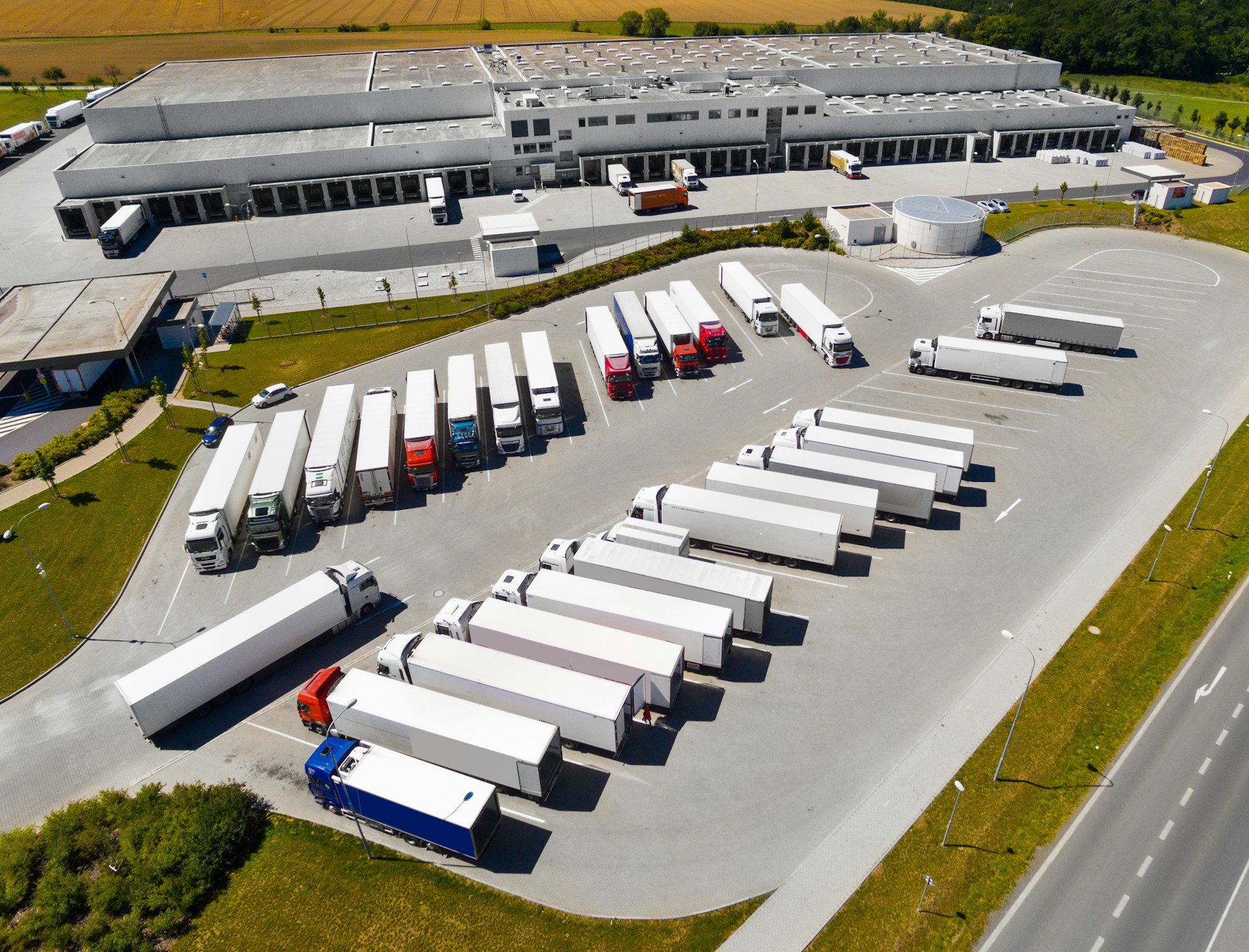
Summer brings longer days and, for many of us, a rise in field work. With more jobs on the calendar and vehicles in constant use, keeping track of everything becomes a bigger challenge. That’s where the right fleet management software in the UK can really make a difference. But with so many choices out there, it’s easy to feel stuck figuring out which one actually fits how your team works. Because Expedite FSM is delivered as a cloud-based platform, your team can securely access fleet and job information from any device, whether they are in the office or out on the road.
We’ve put together a practical guide to help you compare your options. Instead of getting caught up in long feature lists or confusing jargon, this breaks things down into clear steps. You don’t need to be a software expert to find something that works, you just need to know what to look for and what matters most when your crew hits the road.
Figure Out What You Really Need
The first thing to think about is your team’s daily rhythm. Is your crew working short jobs nearby or traveling across the region with heavy gear in tow? The way your vehicles get used affects what kind of system will keep things running smoothly.
Then there’s the size and makeup of your team. A few vans on local jobs might not need the same tools as a growing group handling different kinds of work across multiple towns. Some setups might not flex enough, especially when your workload doubles during a busy stretch.
Look for systems that give you room to grow or scale back without unfair costs. Pay attention to who gets counted when you’re billed. If things pick up during the summer rush, you don’t want software that locks you into a higher tier just because you added two part-timers for the month.
Watch Out for Lock-ins and Setup Costs
One of the biggest problems with new systems is when you’re told it’s easy to start, but then you get hit with setup steps and fees you didn’t expect. Look for software that doesn’t make you commit long-term just to get started. A no-contract option means you’re not stuck with something that doesn’t work as expected.
Free setup is more than just a nice offer. It saves time and lets teams start using the system without waiting on tech support or extra paperwork. That’s especially useful when you’ve got seasonal hires or temps joining to help during the busier months.
If your drivers or office staff are already stretched, simple onboarding makes a real difference. It gets everyone using the same info and updates, and helps your workday feel less chaotic.
Focus on Who’s Actually Using It
Some platforms charge for every user, whether they log in or not. That doesn’t really make sense if most of your work happens out in the field. You need a setup that sticks to billing for only your active office users, the folks managing schedules, dispatching vehicles, or updating job progress.
Engineers or crew members who are just checking updates on the move shouldn’t raise your cost. They’re out there doing the hands-on work and shouldn’t need a paid login to see their tasks.
When field access is unlimited, you don’t have to pick and choose who sees what. Everyone stays looped in, and nobody falls behind because they weren’t included in the plan.
Keep Everyone in the Loop Without Add-ons
During a busy day, no one wants to bounce between apps, sort out texts, or search for job details in different places. That’s why built-in email is such a helpful feature. In Expedite FSM, the integrated email system removes the need for separate Office 365 or Outlook licenses, which helps cut out extra email subscription costs while keeping every message tied to the right job. It keeps communication tied directly to the job without needing another tool to track updates.
Dispatch, admin, and field teams can all stay synced. Messages attach straight to job entries, and task notes are easy to find. When that system is part of the software itself, you avoid mix-ups that cause delays or double work.
Here’s what a built-in communication setup helps with:
- Quick updates without switching platforms
- Fewer missed details between the field and the office
- Smoother handoffs when jobs move between teams or shifts
Everything lives in one place, aligned to that job and that customer, so nothing slips between the cracks when things get hectic.
How to Tell If It’s Made for the UK
A lot of software options come from outside the UK. That matters more than people think. UK roads can be tight, job stops are often short, and the pace is fast. If a tool expects slow, spread out work across wide distances, it might not feel right for a local team juggling job after job.
When a system is built by people familiar with the kinds of jobs we handle, quick fixes between sites, fast reschedules, heavy calls in small areas, it feels natural to use. There are fewer extra steps and more focus on keeping things clear when the pressure is on.
Look for signs it’s made with the UK in mind:
- No steep learning curves or awkward clicks
- Built for shorter turnarounds and tighter routes
- Local support that fits the way we actually work
Those touches make all the difference when you’re trying to stay updated from a small office or squeezed into the front seat of a van.
Make the Right Move Before the Work Picks Up
When things start to ramp up in early summer, there’s not much time to rethink how you’re tracking jobs and vehicles. That’s why finding the right system before the work rush sets in gives you a big head start.
A tool that bends to fit your team (not the other way round) keeps your days smoother. You won’t be juggling extra costs, tied to long contracts, or sifting through extra software to get answers. Everything moves quicker when you’ve got field-ready access, clear updates, and only the features you actually use.
Getting this sorted early means you can stay focused, not frustrated, when jobs keep rolling in. It helps you spend less time chasing updates and more time getting the actual work done right the first time. Teams that pick the right system now will be glad they did when the phone keeps ringing and the days fly by.
The right setup can make all the difference when keeping your team connected on the road this summer. At Expedite FSM, we design our solutions with real UK routes, schedules, and crews in mind. Whether you’re working with seasonal hires or want something that operates smoothly without extra add-ons or long-term commitments, see how our approach stands out. Discover how we support flexible plans, effortless onboarding, and field-ready updates by starting with our fleet management software in the UK. When you’re ready, get in touch and we’ll help find what truly fits your team’s needs.